

A GPS tracker can be just what you need when you want a little extra peace of mind that your belongings are where you want them to be. Whether you want to keep an eye on your luggage when you’re travelling or make sure your car is safe when you leave it parked somewhere overnight, a PAJ GPS tracker can take a weight off your mind.
PAJ GPS have a range of tracker devices, all designed to help you track and protect the things you care about. Some, like the Vehicle Finder, are designed for one specific use, while others can be used to track a whole host of things.
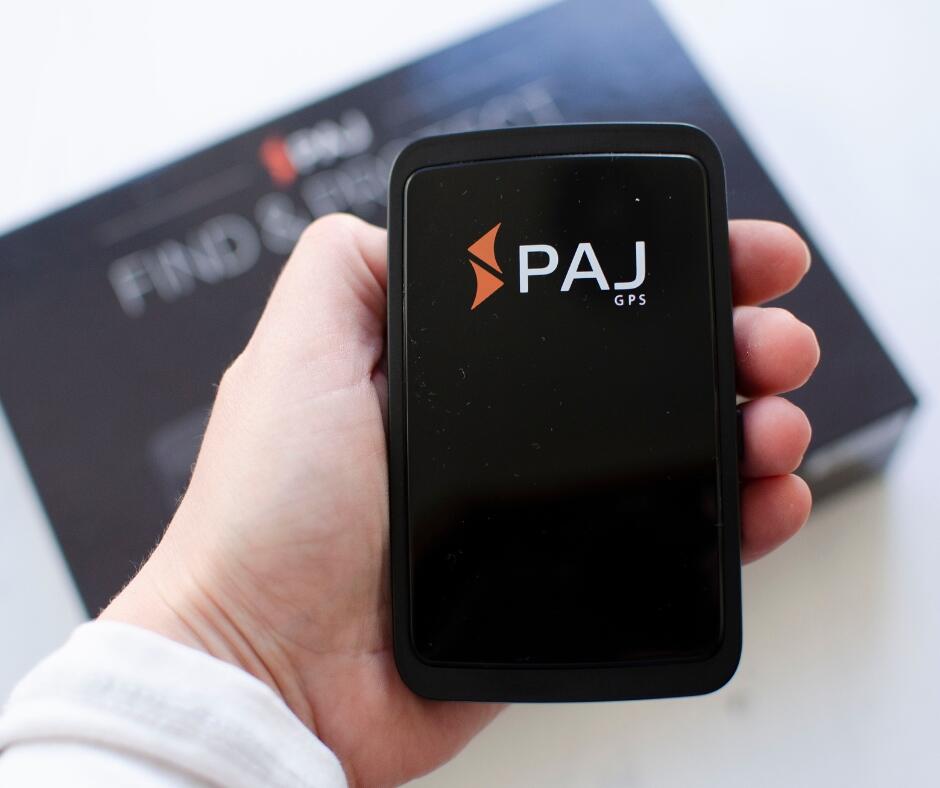
The Allround Finder, as the name suggests, is one of PAJ’s general use GPS trackers and it’s great for keeping track of luggage when you’re travelling, or kit like golf clubs and tools that you want to protect. You can also use this tracker to monitor your children while you’re out and about and to keep track of your bike or scooter when you leave it unattended.
The Allround Finder comes in a sleek black box with everything you need to get it up and running in no time. There’s the device itself (with sim card already inside that you shouldn’t remove), a quickstart user guide, full instruction booklet, small carrying pouch, charger cable, and USB power adapter.
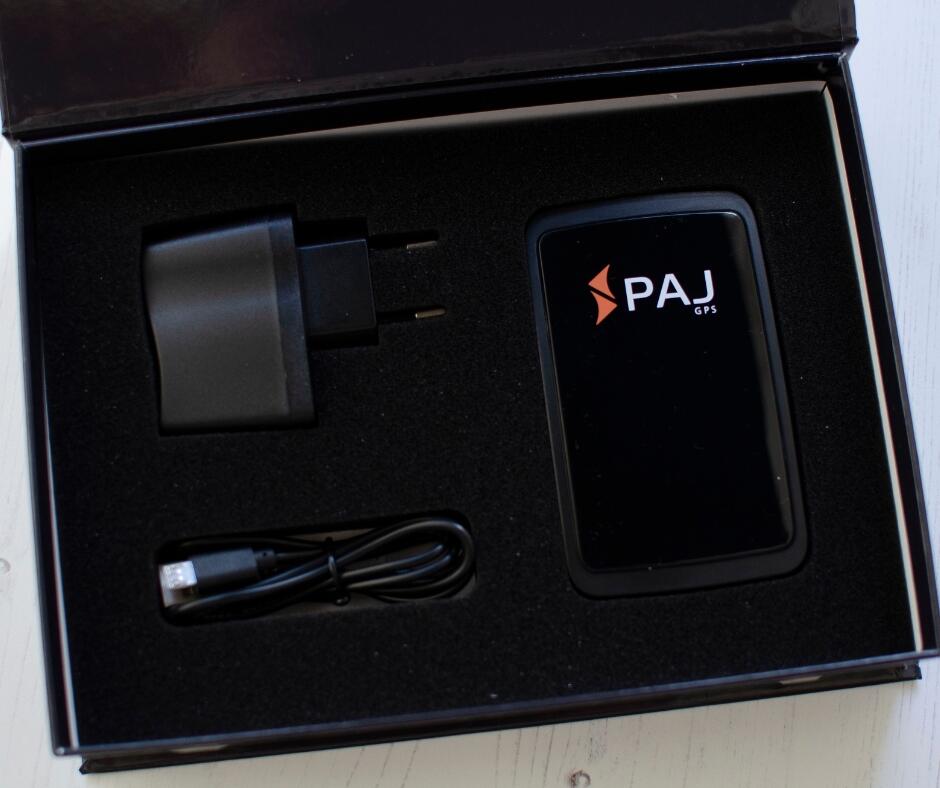
When you first get your Finder you need to plug it in and charge it up for 8-12 hours, so you do need to make sure you allow plenty of time to get it all set up before you need to use it.
While you’re waiting for the Finder to charge you can get everything else sorted so you’re ready to rock once the battery is full.
The first thing you need to do to be able to use the device is activate it online, which is a quick and easy process. Then you can download the PAJ Finder Portal app and set up your device there.
The app is the perfect partner to the Finder and it’s the most convenient way to monitor your device. The app’s available for Apple and Android devices and you can also access it from a PC or laptop. The app has a brilliant live-tracking option which updates every 30 seconds so you can always know where your device is at any given time.
The Finder Portal app also shows you any routes the tracker has taken over the last 365 days, and it lets you set up alarms for an extra level of security for the items you’re tracking.
Once your device is fully charged and activated you just need to run a quick movement test with it to check the connectivity, and then you’re ready to go.
You do need to sign up for a subscription to be able to use the Finder and the app, with the most expensive option being £5.99 which gives you access to everything you could need including live tracking, route information, and alarms that will go off if your device goes outside a designated area.
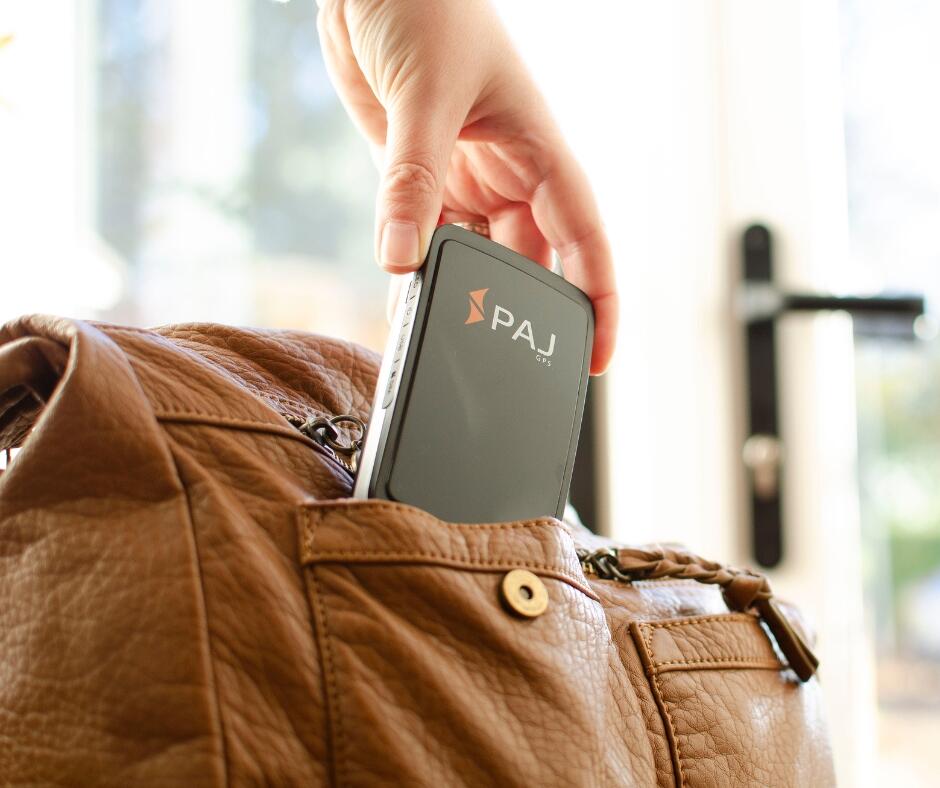
I love how easy the Finder is to set up and use, and the fact that it has so many potential uses. It looks great and feels really well-made, and it’s a great size to be able to put in a bag without taking up too much space.
The battery life is also pretty impressive on this device – it’ll last for 40 days on stand-by and 20 days of use, which is more than enough for the sorts of things we would use it for.
I’ll be popping ours in our luggage next time we take the train to Kent to visit my family, so I can have some extra peace of mind about leaving it in the luggage hold while we head to our seats.
Disclosure: this is a sponsored post